
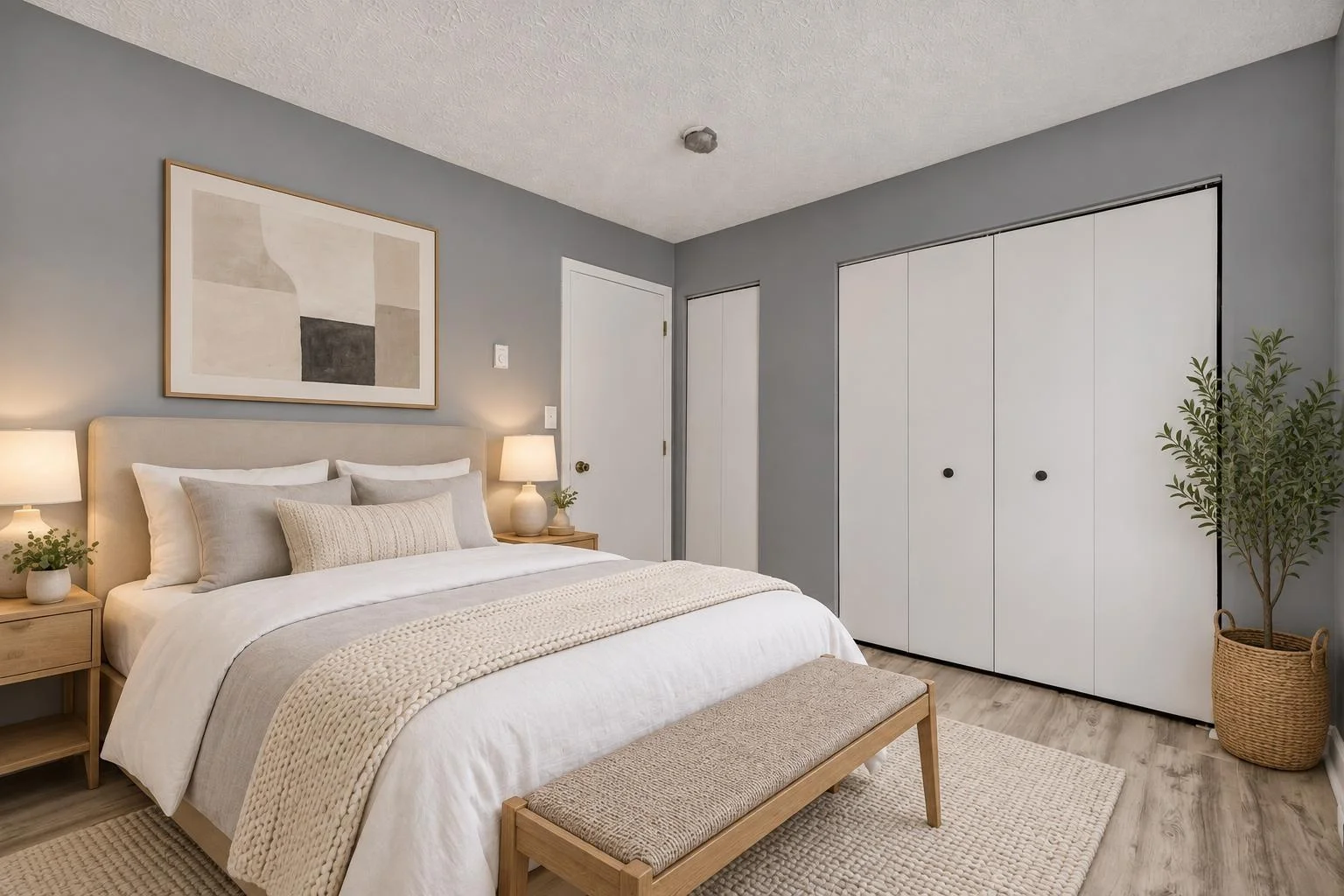
01 / Virtual staging
Furnish a vacant room.
Ten furnishing styles, from Scandinavian to rustic lodge, or let us match the home’s architecture.
1 credit
Stage a roomFor listing agents, property managers and home builders
Most photos come back in under 5 minutes, with a disclosure label and a copy of your original. Your first photo is free. After that, packs start at $9.90 for 6 photos, with no subscription.
Try your first photo freeNo card needed. Sign in with Google or an email link.
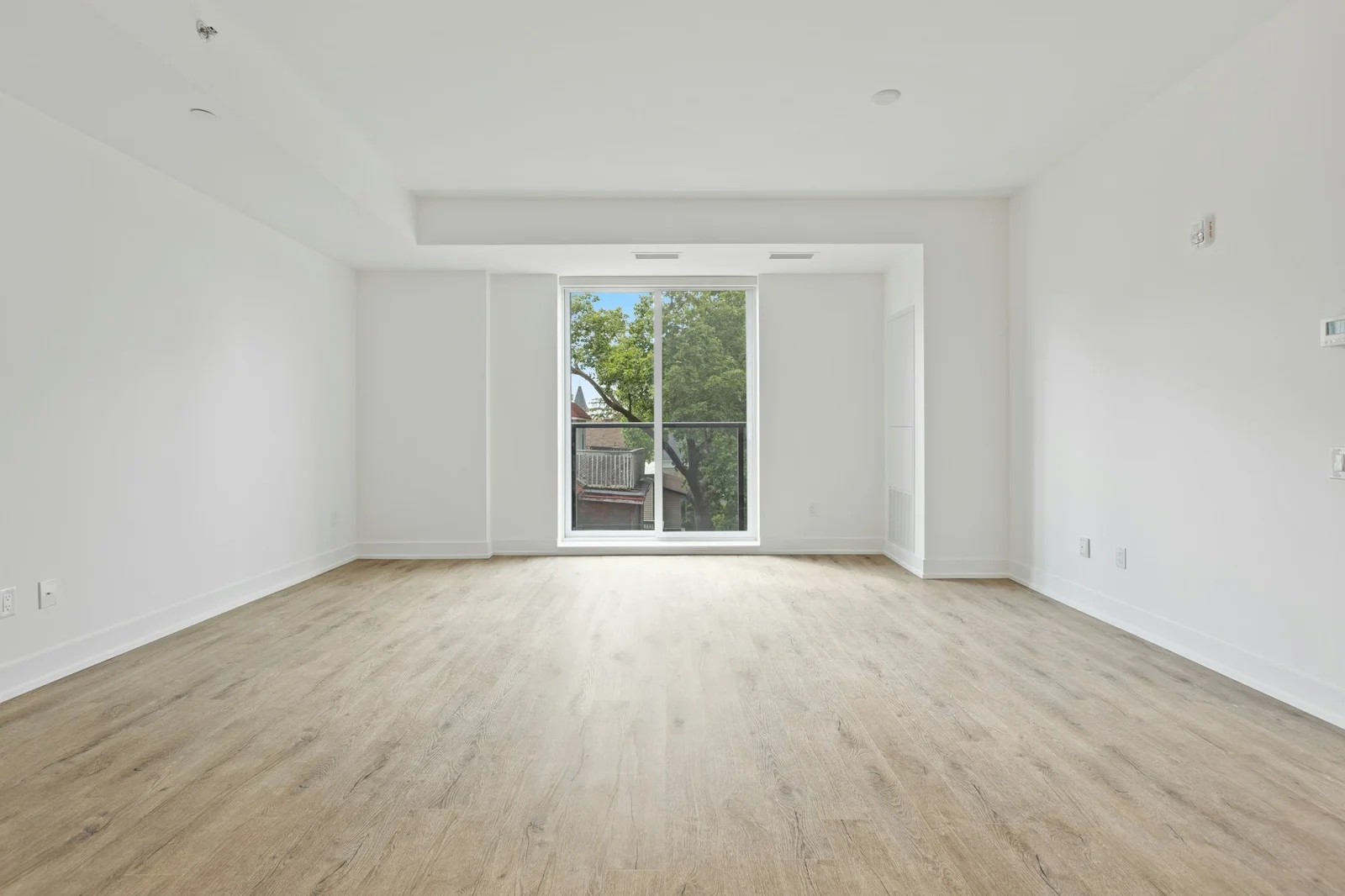
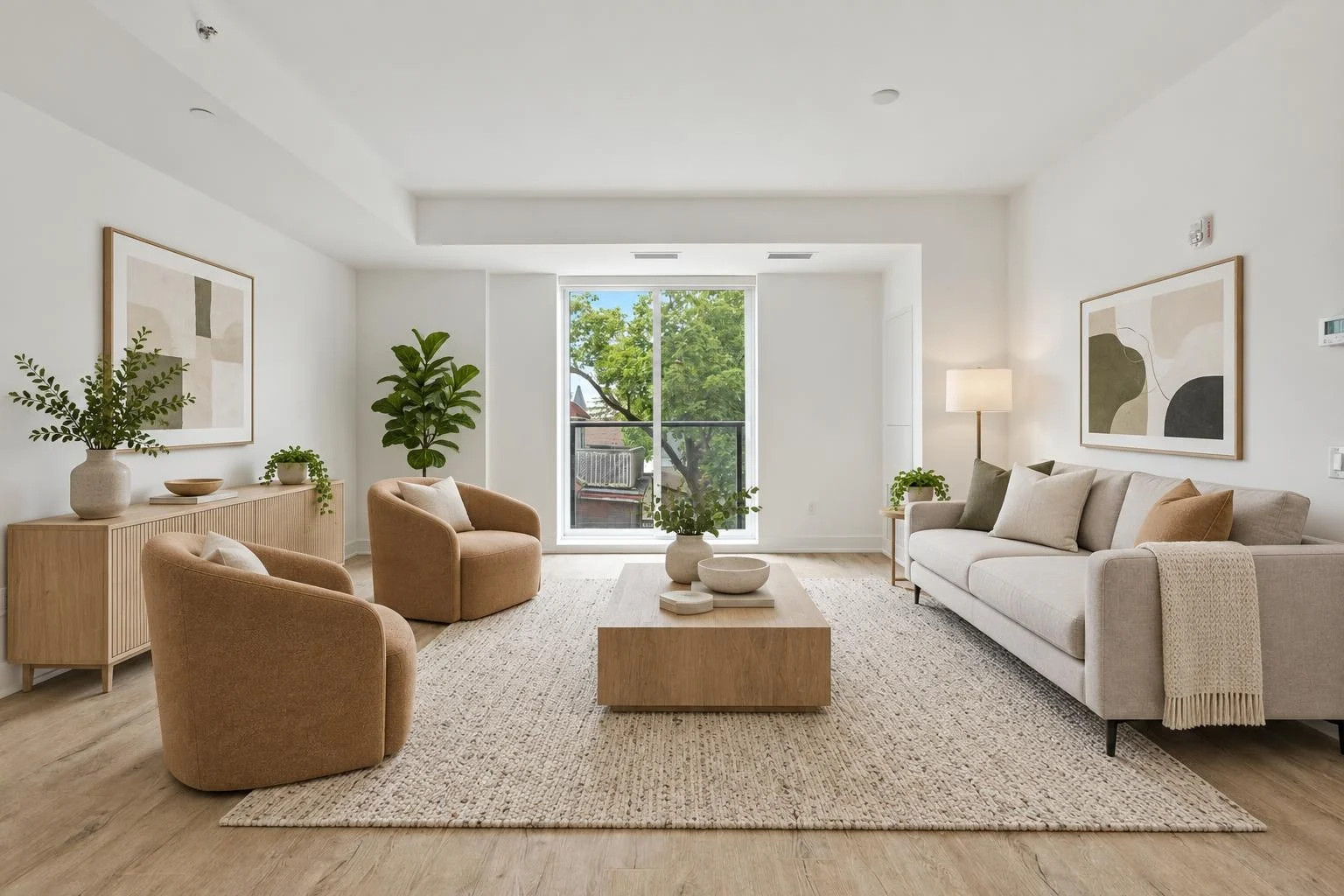 OriginalStaged
Keyboard: Arrow keys move by 1%, Home shows the staged result, End shows the original.
Living room, Match the home: result ready. Drag the slider to compare.
Sample result prepared in advance with our engine. Original: Point3D Commercial Imaging Ltd. / Unsplash.
Quality
Every render is checked against your original: walls, windows, doors, floors and fixtures should stay as photographed.
A render that changes the room or places furniture badly is rejected before delivery, and its credits come back. If one still looks wrong, tell us.
A high-resolution JPEG with a disclosure label, plus a copy of your original and a before/after comparison.
Services
01 / Virtual staging
Ten furnishing styles, from Scandinavian to rustic lodge, or let us match the home’s architecture.
1 credit
Stage a room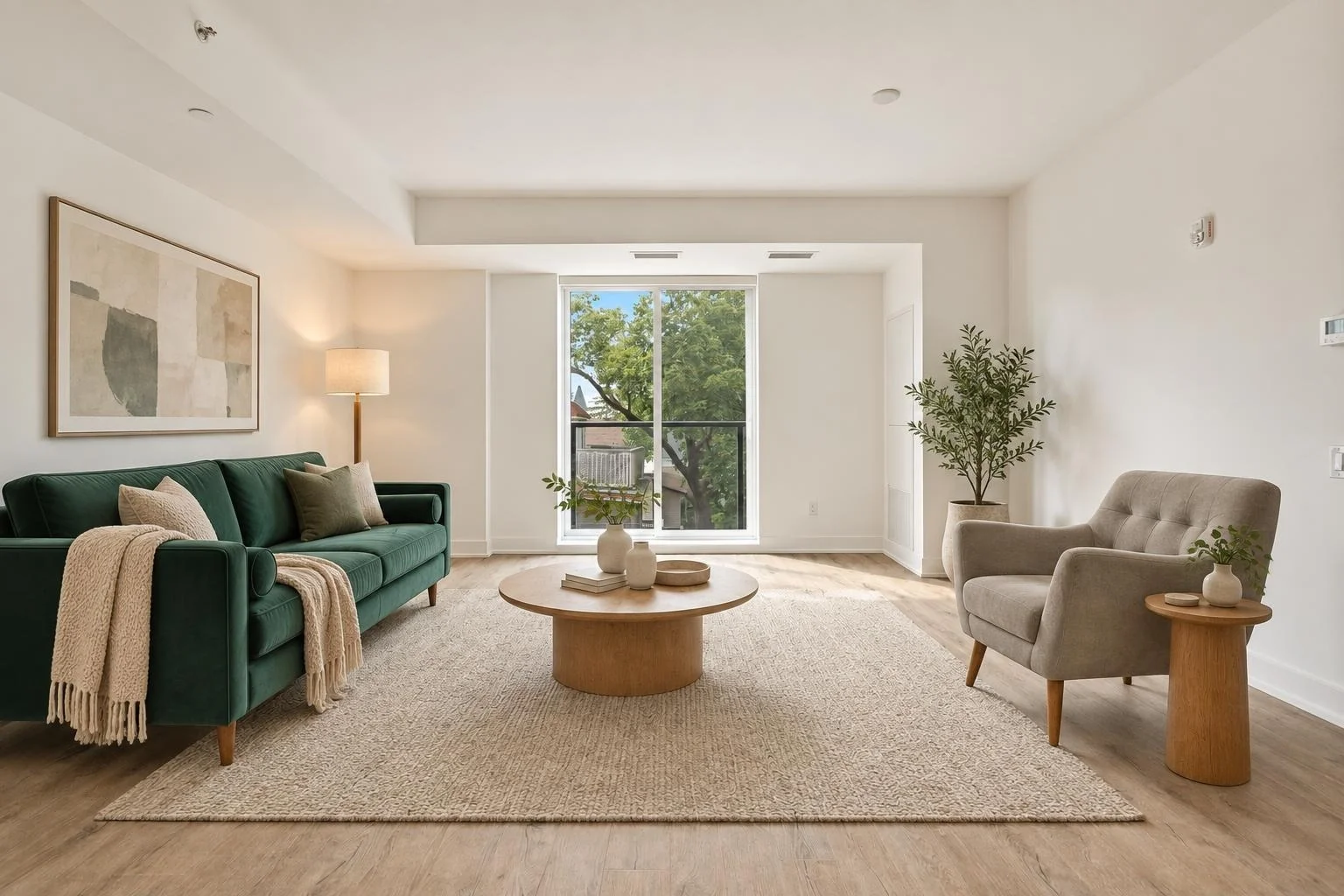


02 / Staging with real furniture
Add up to four photos of furniture the seller owns or plans to buy. The render places a close match in the room.
1 credit
Use my furniture03 / LIGHTING
Turn a daytime shot, inside or out, into a golden-hour sunset or a true after-dark night, or brighten a dull one to daylight or sunrise. Pick the versions your listing needs.
1 credit per version · interior or exterior
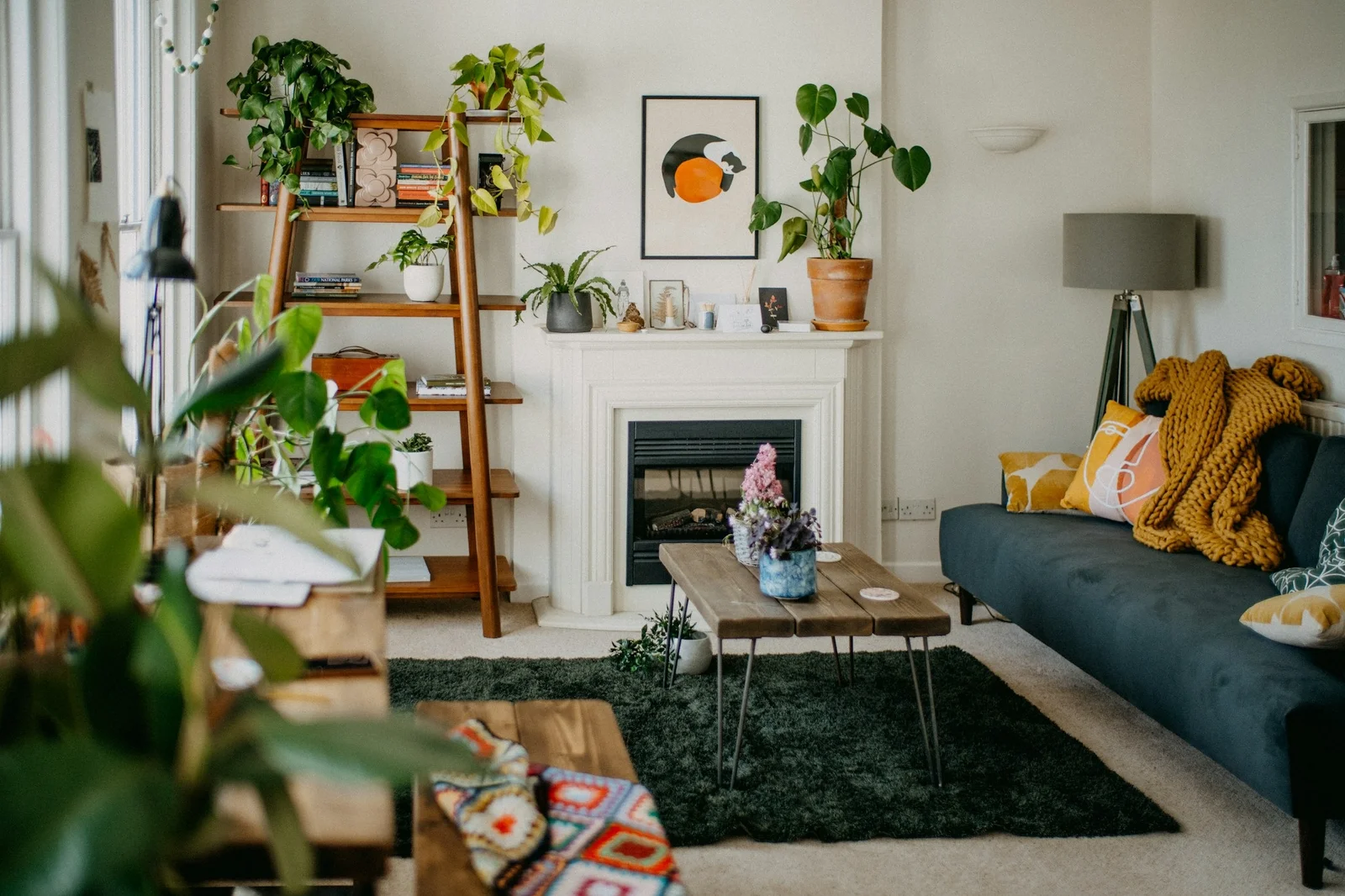
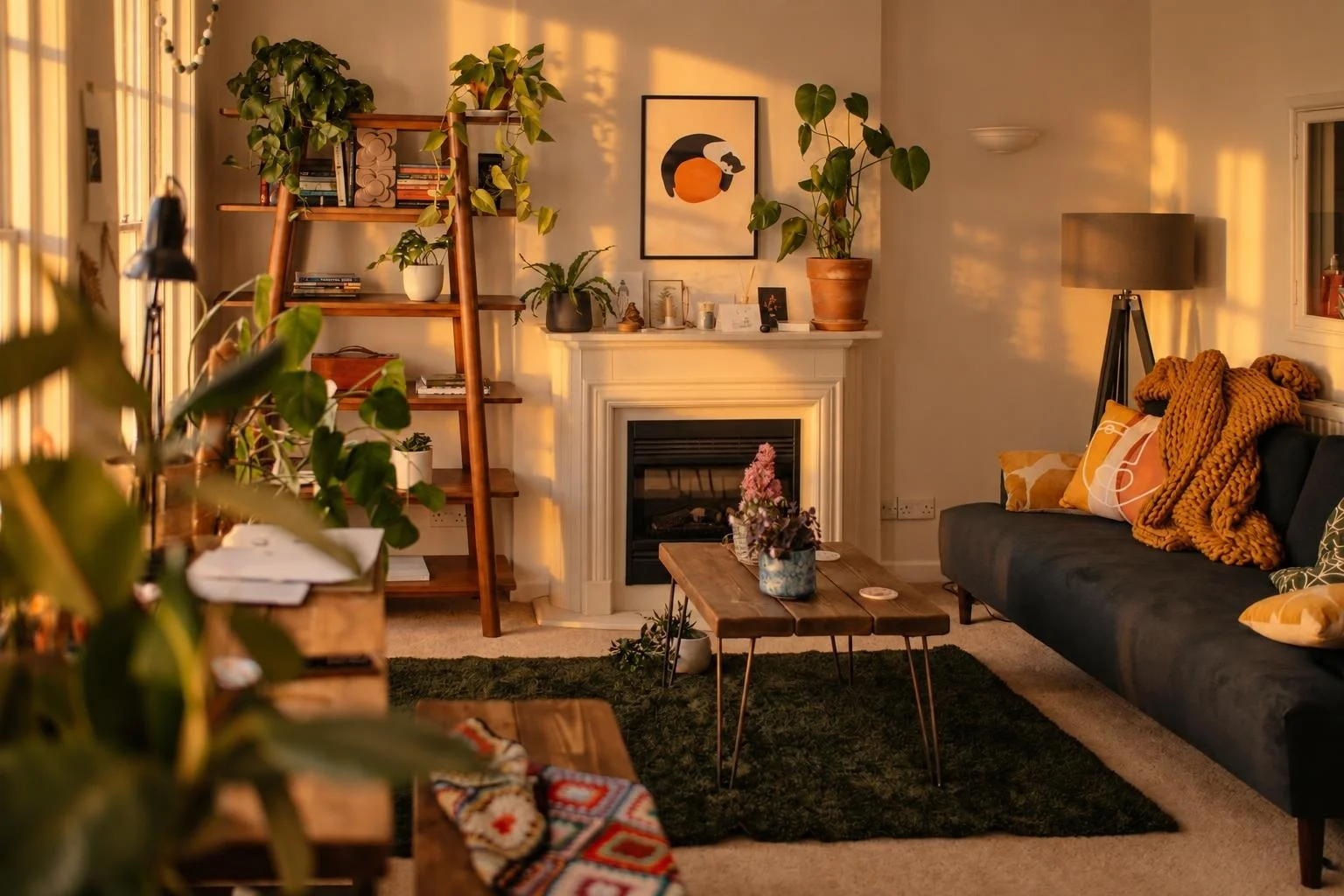 OriginalSunset
Drag the handle or choose a preset.
Keyboard: Arrow keys move by 1%, Home shows the sunset result, End shows the original.
Sample lighting edit. Review details against the original before publishing.
Original: Annie Spratt / Unsplash. Sample result from our engine; exteriors work the same way (see the demo above).
Lighting version: Sunset
04 / Item removal
Furniture, rugs, boxes and clutter are removed to show the empty room, ready to stage in one click. Or keep the pieces you choose. Walls, floors, built-ins and fixtures stay as photographed; results that paint over wear or damage are rejected by the automatic check.
1 credit · interior or exterior
Empty a room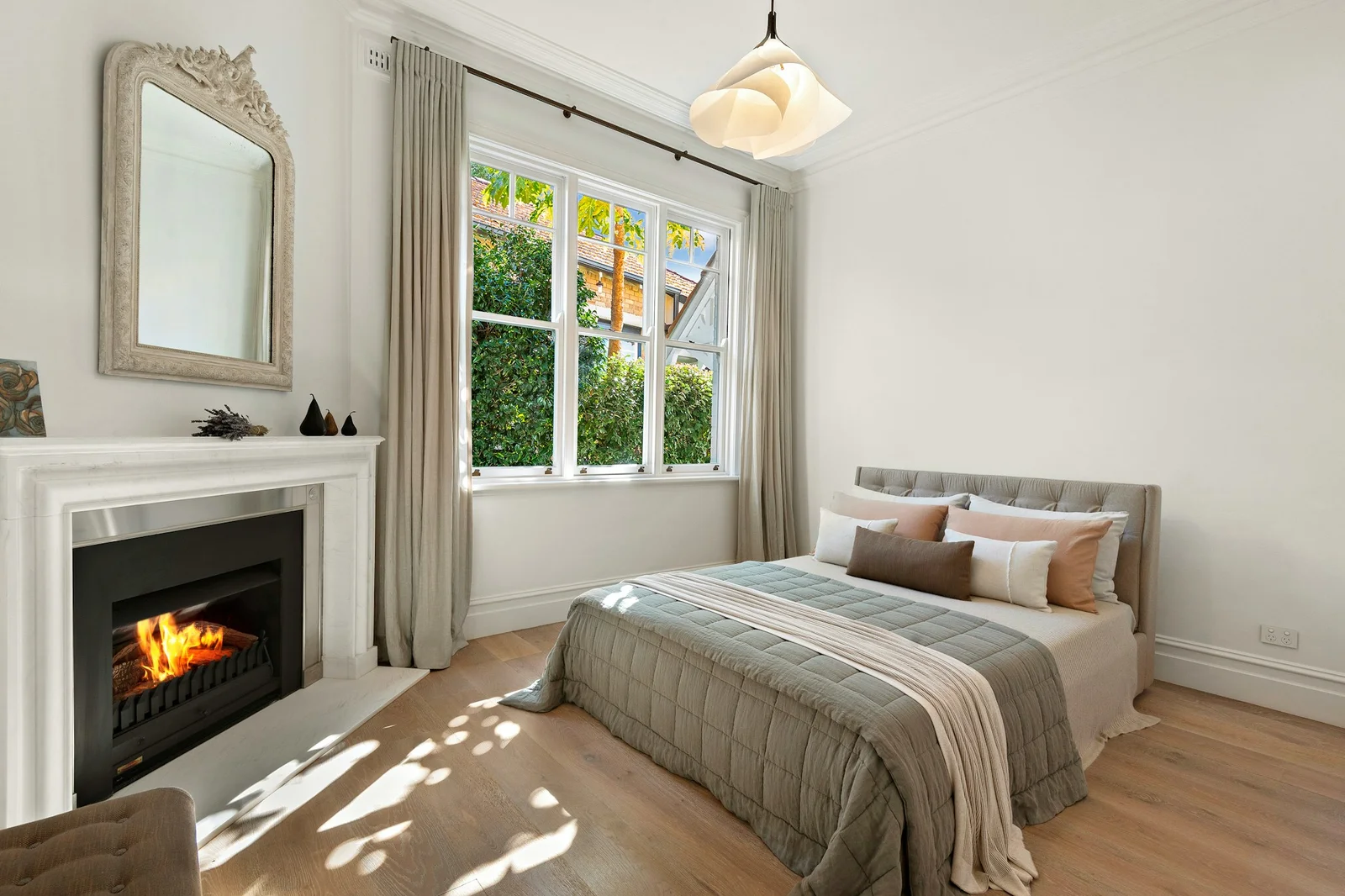
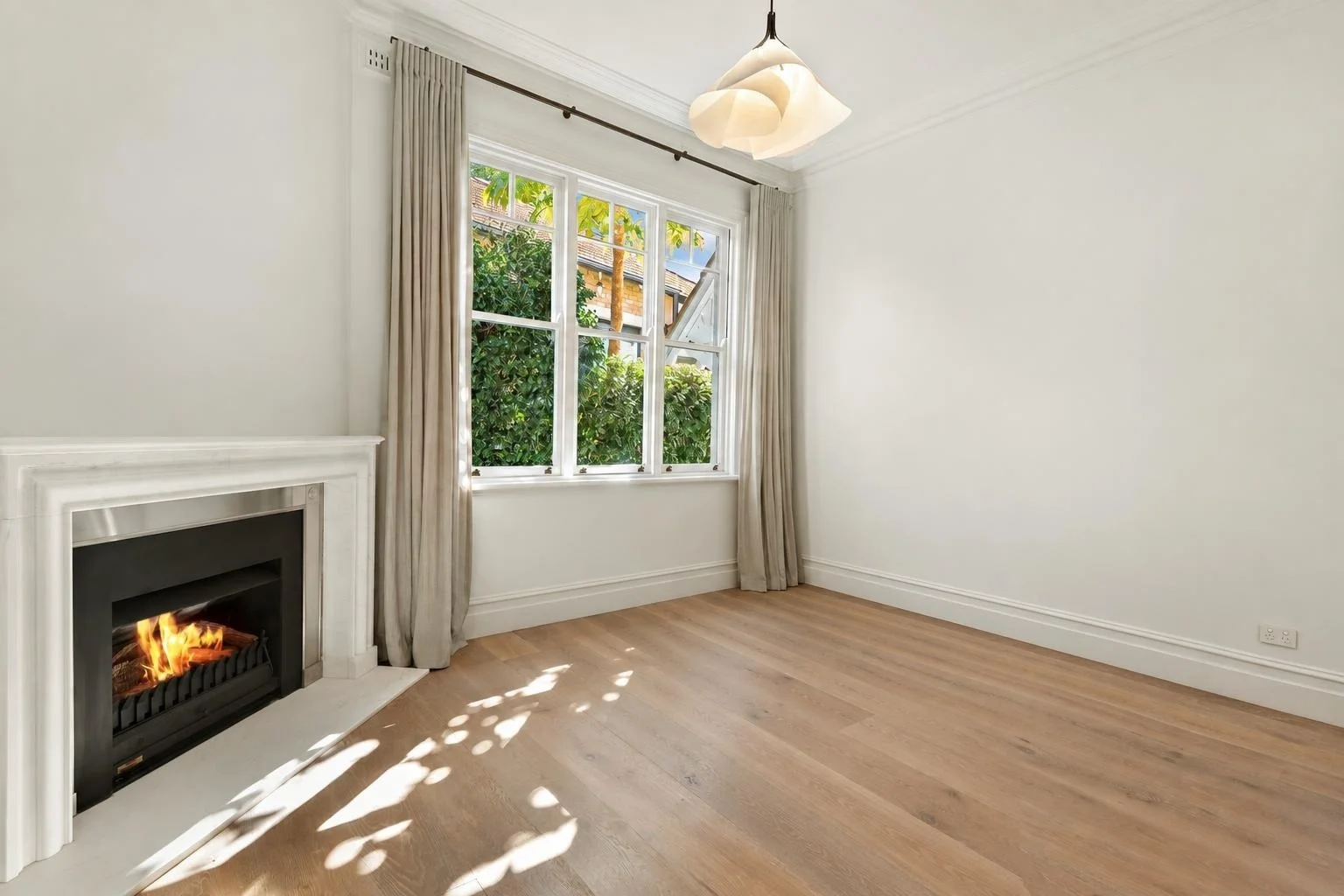 OriginalItems removed
Drag the handle or choose a preset.
Keyboard: Arrow keys move by 1%, Home shows the items removed result, End shows the original.
Sample result from our engine · Original: Elana Clark / Unsplash
How it works
Renders run automatically, with no human editor in the loop. Each result is checked automatically; if it doesn’t pass, your credits come back.
A JPEG, PNG or WebP from the listing shoot.
A style, your furniture photos, items to remove, or the lights you want.
The labeled result, a copy of your original and a before/after comparison.
Pricing
Each photo uses one credit, whatever the service: one staged room, one emptied room or one lighting version. Pay once and use your credits whenever you list.
Try it on one listing
$9.90one-time
6 photo credits
$1.65 a photo
A few listings a month
$29one-time
25 photo credits
$1.16 a photo
+42% credits per dollar vs Mini
For busy listing agents
$69one-time
70 photo credits
$0.99 a photo
+67% credits per dollar vs Mini
For teams and photographers
$149one-time
180 photo credits
$0.83 a photo
+99% credits per dollar vs Mini
Prices in USD. Taxes added where applicable.
Questions
Most photos are ready in under 5 minutes: renders run automatically once you submit, with no human editor in the loop. Watch the status in the studio or come back later: finished photos stay in your project history for 30 days.
Staged photos download with a “Virtually staged” label and lighting edits with a “Lighting edited” label. A copy of your unstaged original and a before/after comparison are included. Many MLSs require virtual staging to be disclosed; check your local MLS rules before publishing.
A labeled JPEG of about 1,500 to 2,000 px on the long edge, plus a copy of your original photo and a before/after comparison. Downloading again is free.
Every result is checked automatically. If it doesn’t pass, or the render fails, its credits return to your balance. For a delivered photo with a problem, contact support under the refund policy.
Furniture photos guide shape, color and style. Exact product details and dimensions can vary, so review the result before publishing.
No. It is a 2D photo edit, not a measured layout. Walls, windows and clearances are not measured.
It empties the room: furniture, rugs, decor, boxes and clutter are removed, or only what you list. Walls, floors, windows, built-in cabinets, fixtures and appliances stay, and the automatic check rejects results that alter them or hide damage. You can then stage the empty room for one more credit.
No. Buy a pack once. Credits never expire and work for every service.
Photos and results are deleted 30 days after the project is created. Download what you need before then; your credits are not affected.
Still stuck? Email us at contact@settleframe.io.